
RAW photo workflow
Open RAW and supported image files to evaluate the editing flow with real camera work.
Professional desktop photo editing · currently in beta
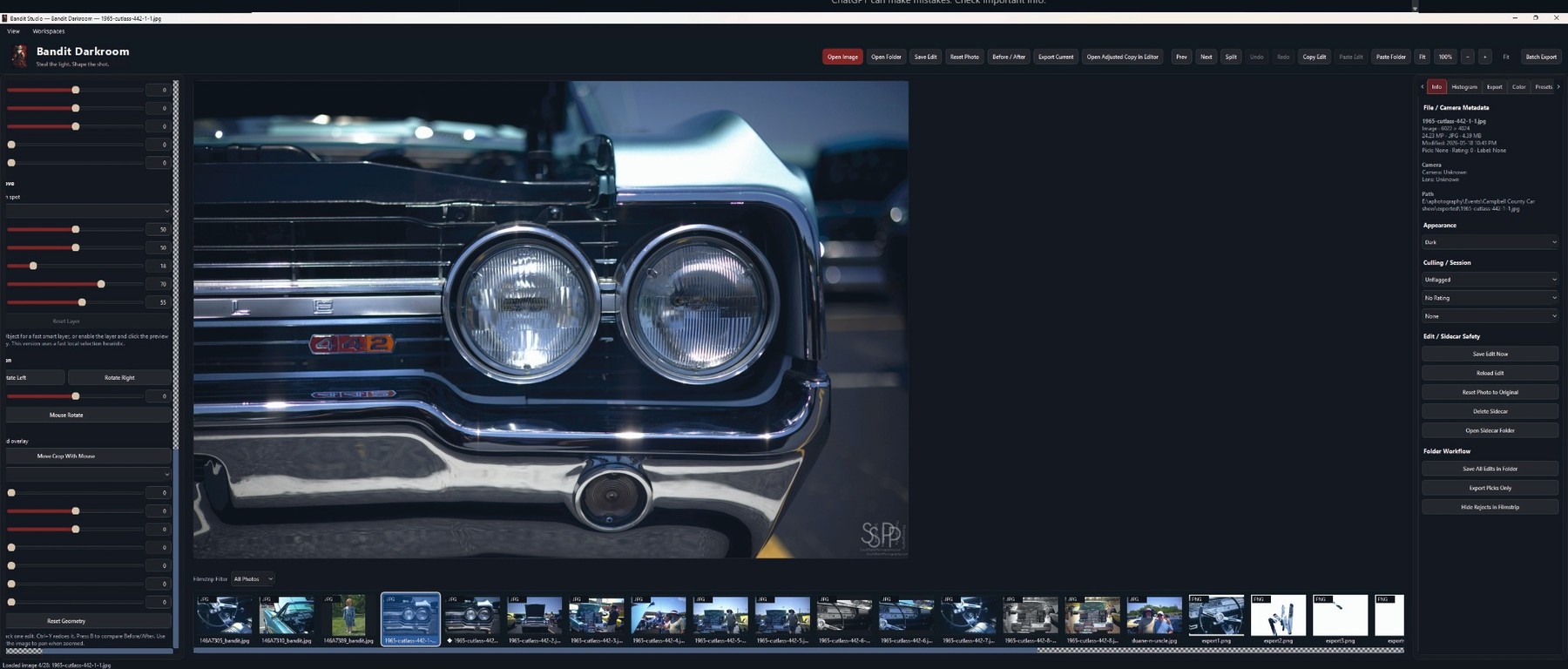
Bandit DarkRoom is a modern desktop photo-editing application built for photographers who want a focused, local-first editing workflow. It is designed around RAW photo development, clean editing controls, sidecar-based project data, export history, and a growing professional editing workspace.
What it is
Bandit DarkRoom is for photographers who want a serious desktop workspace without forcing the entire editing process into a cloud-first system. The beta focuses on image review, RAW-oriented development, sidecar data, exports, and a clean editing surface that keeps attention on the photograph.
It is not being presented as a finished commercial suite. It is a growing beta where real-world feedback helps decide what gets refined next.
Read the full usage guide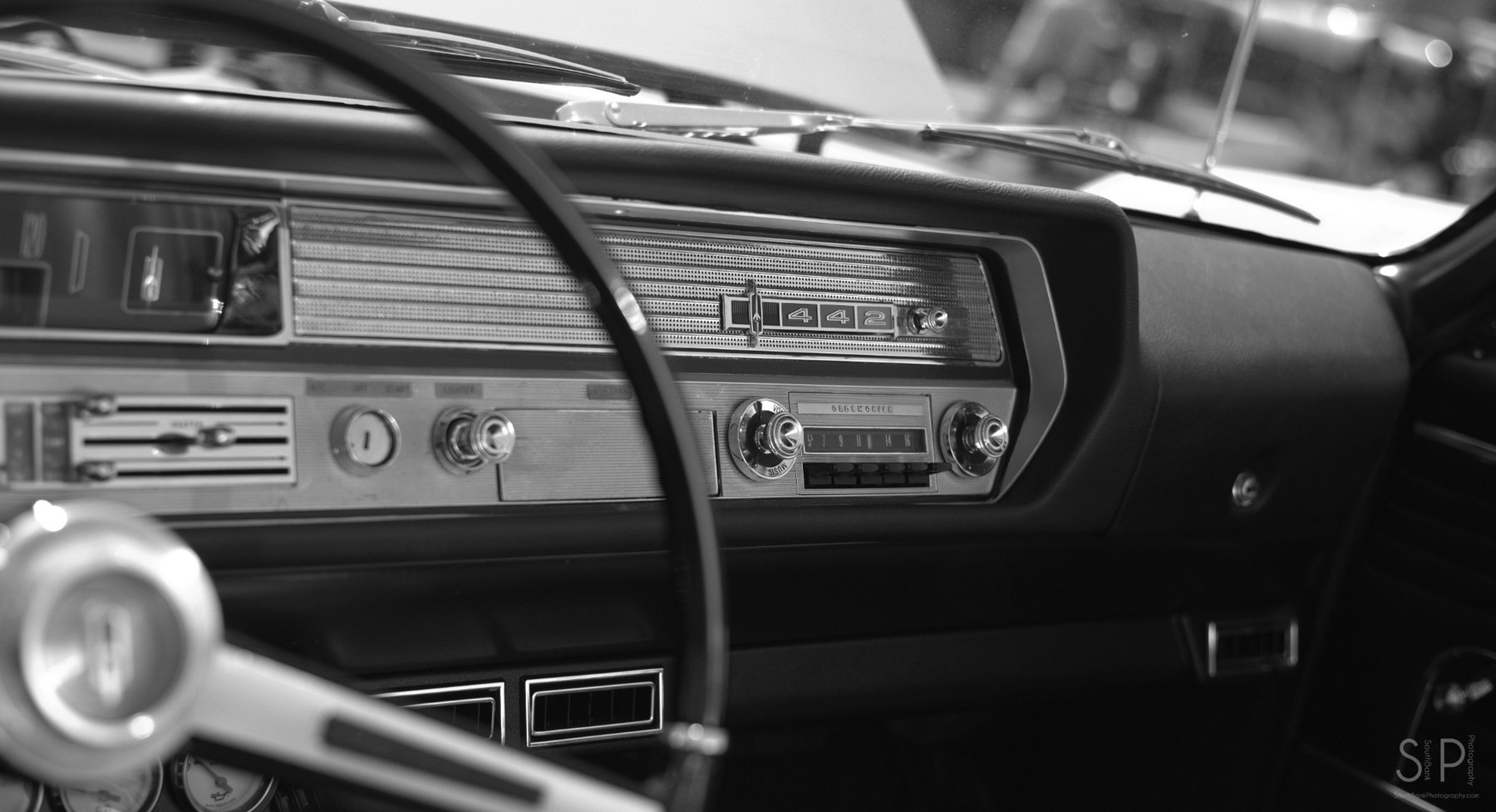
Core beta workflow
The current site is designed to explain the product honestly: focused, modern, local-first, and still evolving through beta feedback.
Open RAW and supported image files to evaluate the editing flow with real camera work.
Designed around desktop control instead of pushing the workflow into a cloud service.
Keep edit/project data alongside the local workflow so testing is easier to inspect.
Review exported images and track output behavior during beta testing sessions.
Real photo testing
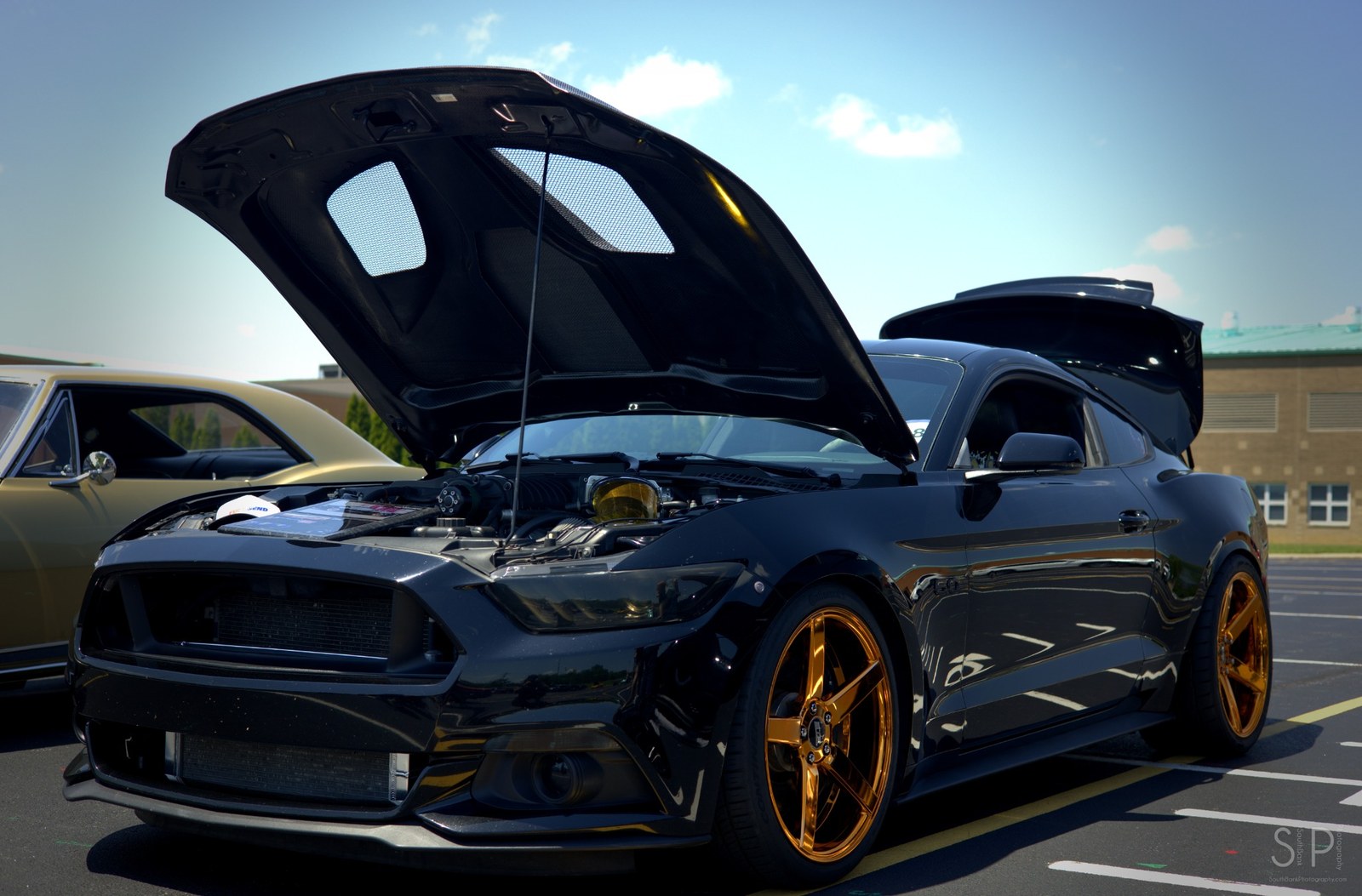
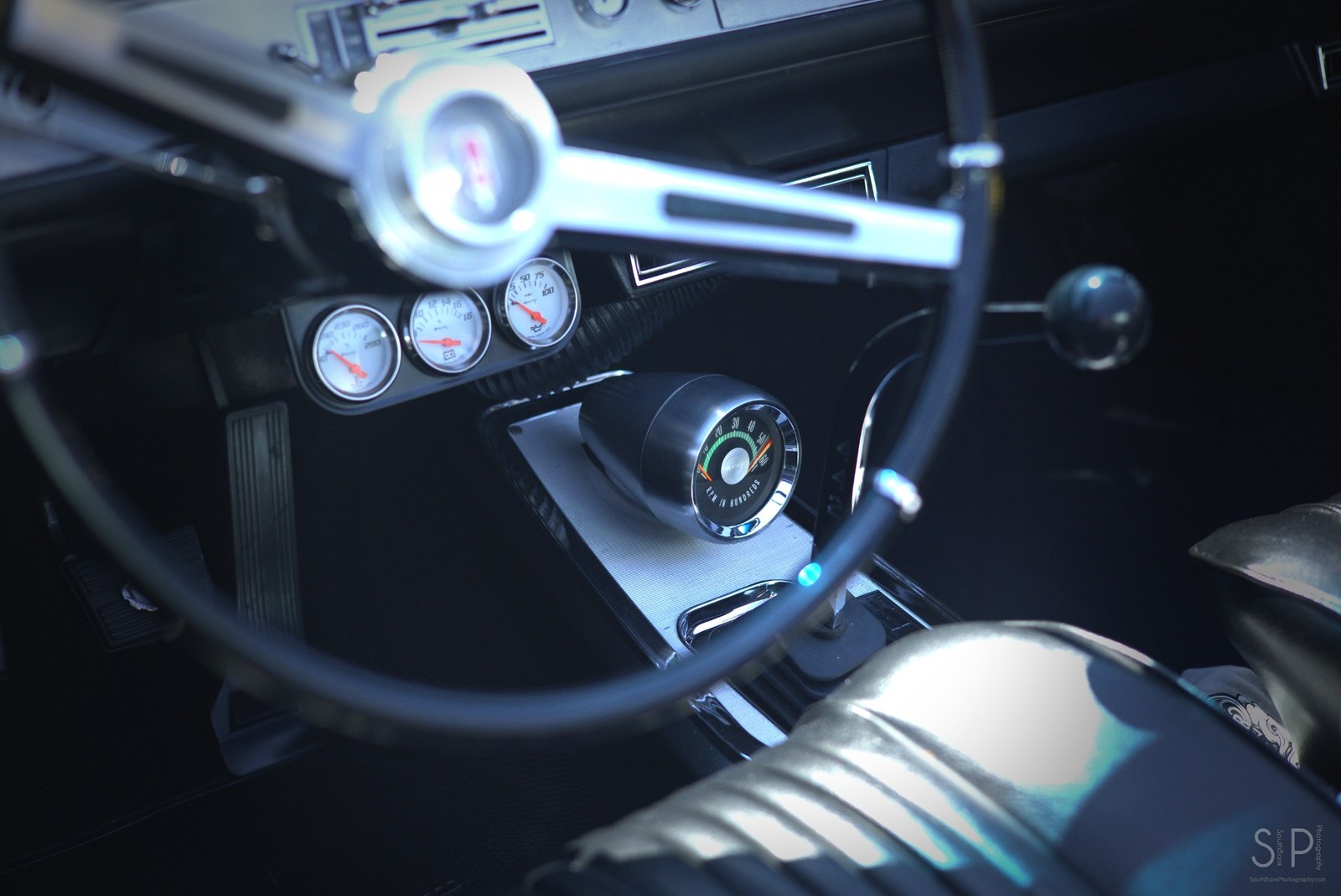
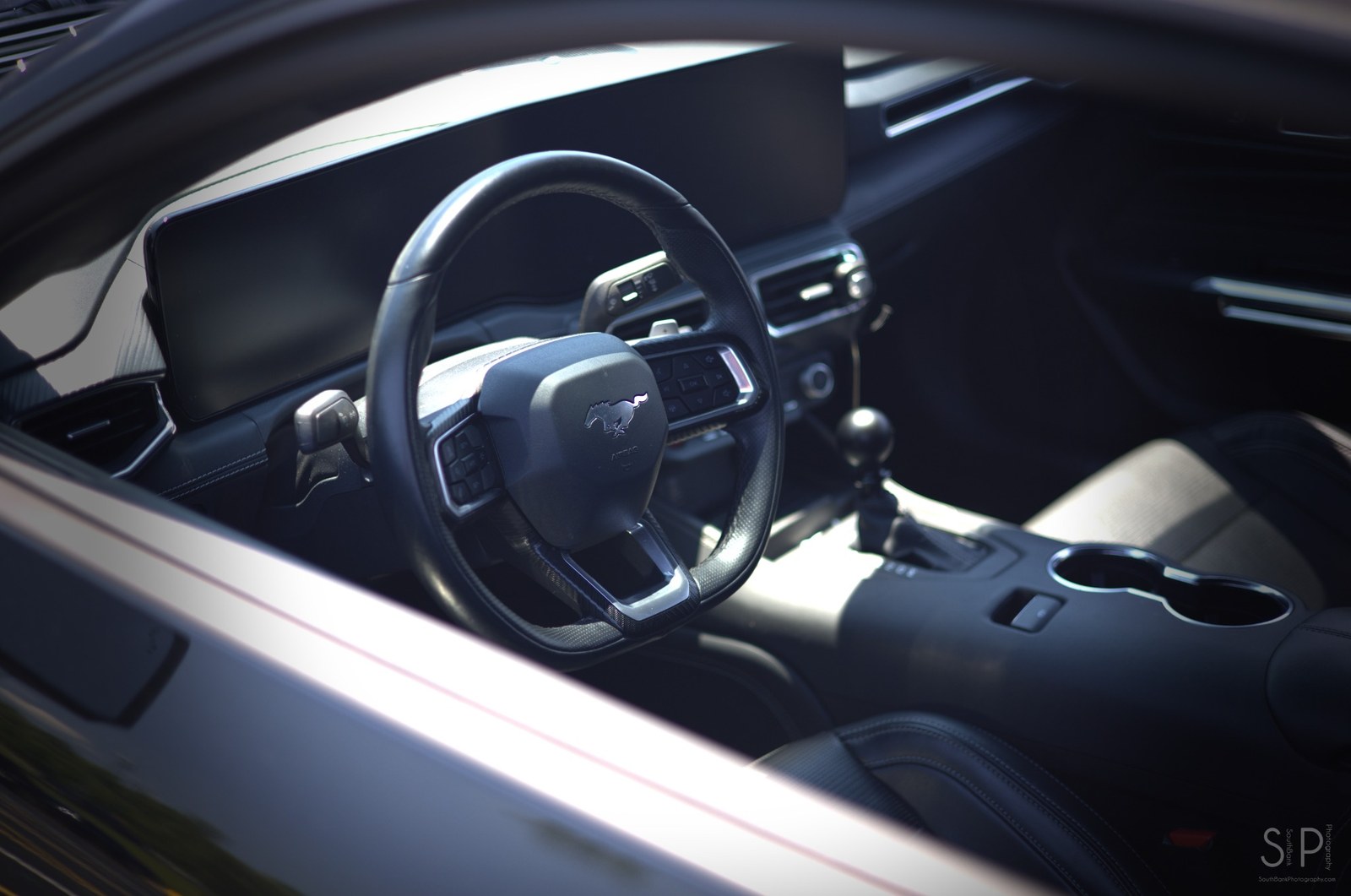
The best beta feedback comes from real image sets: high-contrast interiors, glossy paint, black shadows, bright chrome, soft focus, and mixed lighting. These are the kinds of files that expose workflow issues quickly.
Bandit beta crew
The Bandit mascot is used as a small brand accent for beta notes, release callouts, and testing prompts. The product interface and website stay professional while the mascot gives the brand a recognizable identity.
Join the beta listCurrent beta